You sideload an emulator, it installs without complaint, and then it either crawls or refuses to start. Nine times out of ten, the missing piece is JIT.
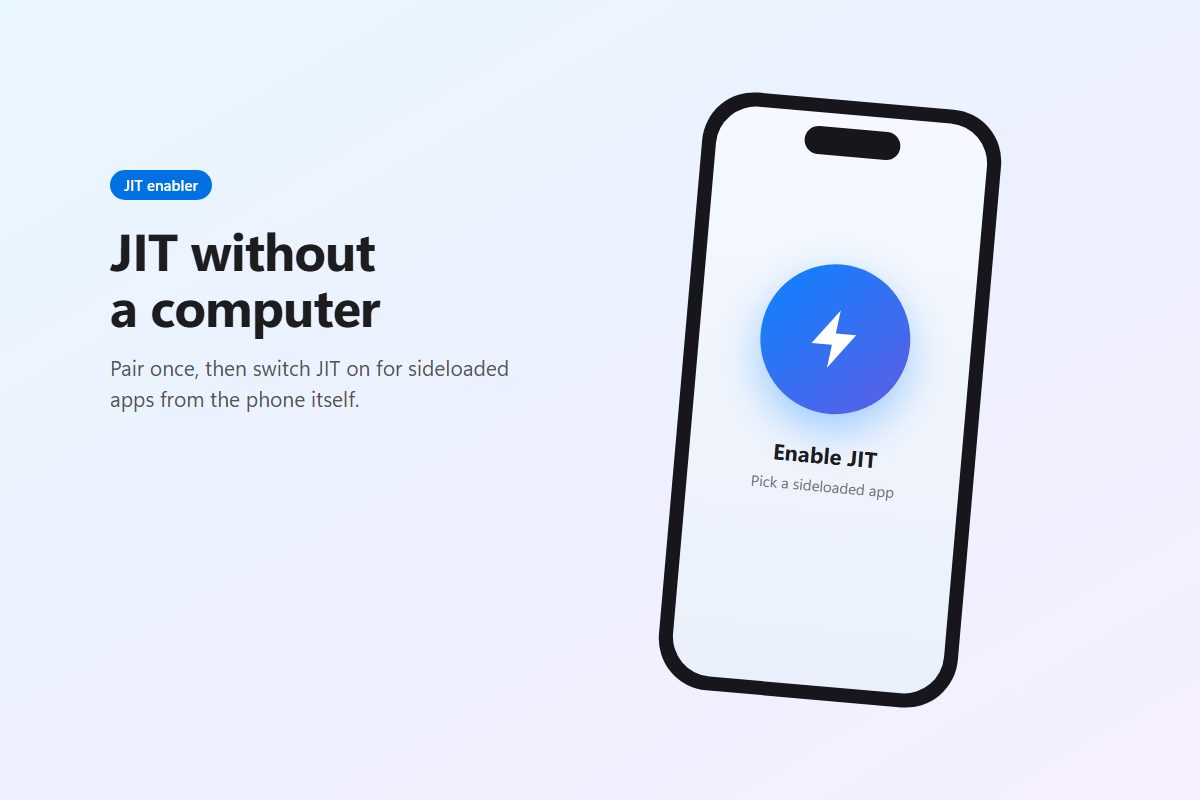
StikDebug is how you get JIT on an iPhone without a computer sitting next to it. You pair it once on a computer, and after that turning JIT on for an app is a tap. Older guides call it StikJIT; that was the project’s earlier name.
What JIT is, and why iOS holds it back
JIT stands for just-in-time compilation. An emulator like MeloNX takes the original console’s code and translates it, on the fly, into code your iPhone’s chip can run. To do that, the app needs memory it can write to and then execute. iOS blocks that for ordinary apps as a security measure.
The exception is apps attached to a debugger, because developers need that behavior when testing from Xcode. StikDebug plays the debugger, running on the same phone, so iOS grants JIT to whichever app you point it at.
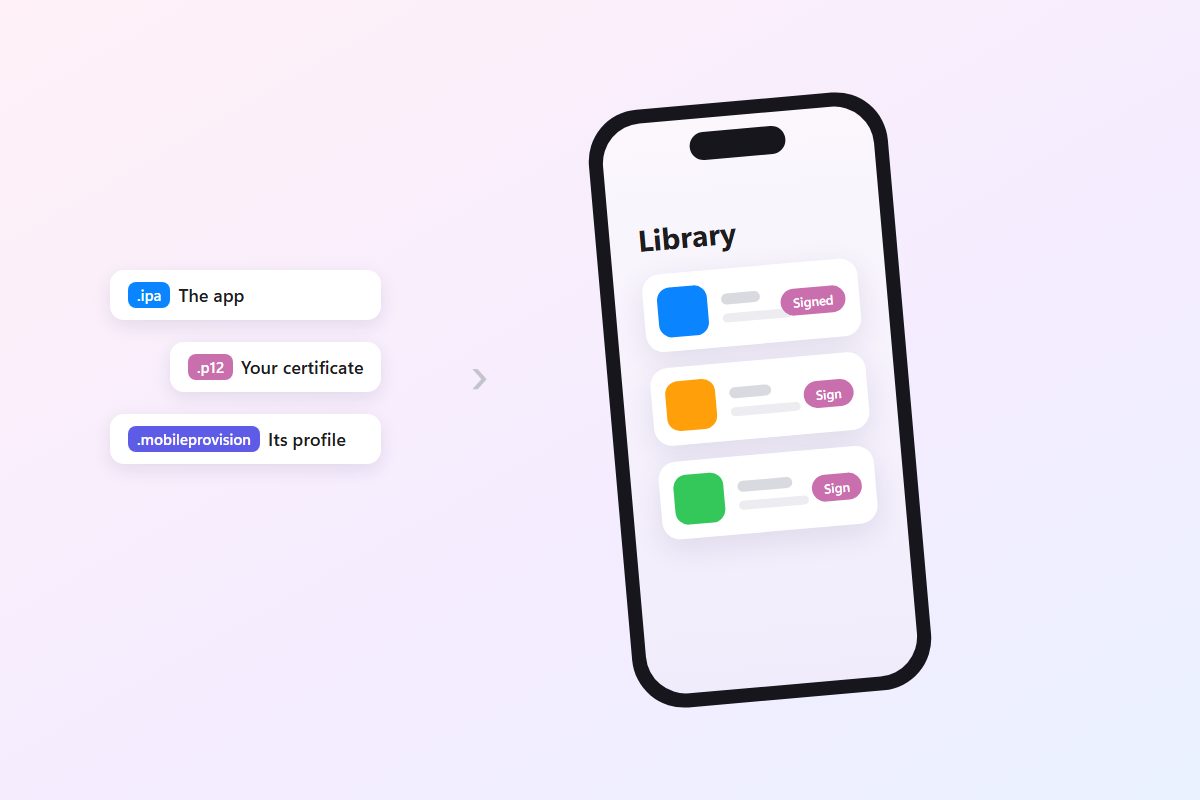
There’s a condition that catches people out. The app has to carry the get-task-allow entitlement. Apps you sign with your own Apple ID through SideStore, Sideloadly or Impactor have it. Those signed with a shared enterprise or distribution certificate, which is how many on-device signers like Scarlet work, usually don’t, and no JIT enabler can help them.
Will it work on your iOS version?
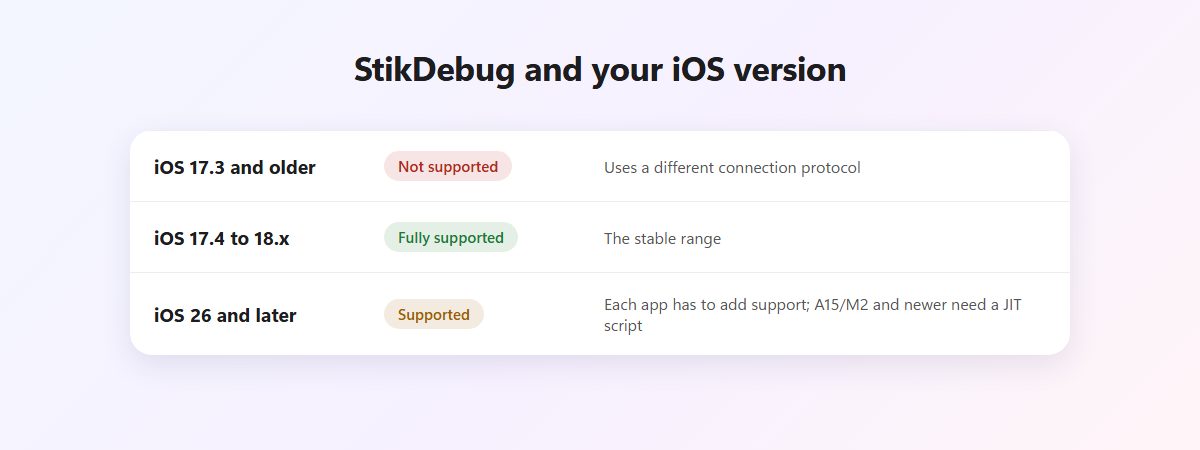
iOS 17.4 is the floor because older versions use a different connection protocol.
iOS 17.4 through 18.x is the comfortable range, where it works with practically anything. iOS 26 is a different story. Apple changed how JIT gets granted, so every app now has to add support on its side. On devices with an A15 or M2 chip or newer, each app also needs a JIT script. StikDebug ships scripts for apps it knows about and assigns them automatically, and that list grows with most releases.
So on iOS 26, read the emulator’s own notes. If it says it supports StikDebug, you’re fine. No mention of it usually means it won’t work yet.
Getting the app
StikDebug used to be on the App Store and isn’t anymore. The developers now distribute it through GitHub and their own website, and the download button above opens the latest GitHub release. If you run AltStore or SideStore, the GitHub page also has a button to add StikDebug’s source, so updates show up in your store app.
Releases come every week or two. Version 3.1.15 targets “ServiceNotFound” errors. The ones just before it changed how the developer disk image gets mounted, which fixed problems on the iPhone 18 Pro series and stopped the reboot that used to follow on iOS 26.4 and later, and added official support for more apps.
According to the developers, it collects no data and does everything on the device. Since it’s open source, that’s checkable.
Setting it up in three moves
You’ll need StikDebug installed with something that refreshes it (it expires like any free Apple ID app), the free LocalDevVPN app, Wi-Fi, and a computer for ten minutes.
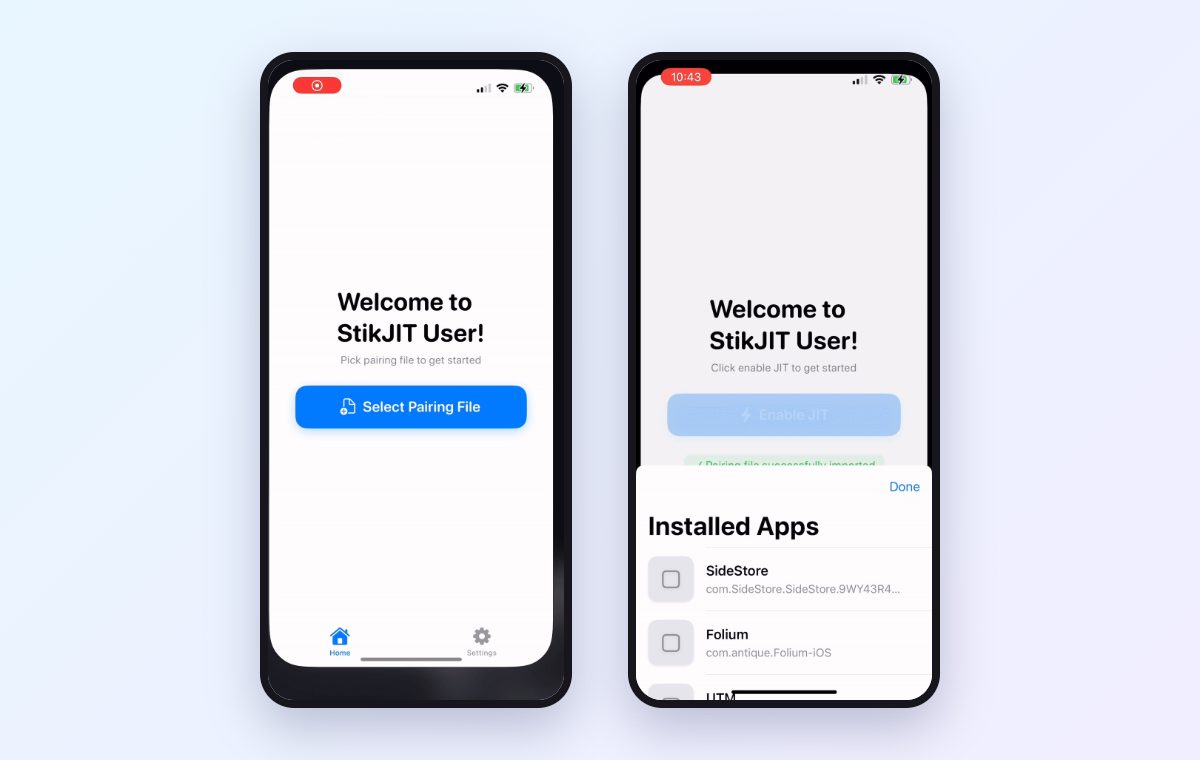
Left: the first-run prompt asking for a pairing file. Right: choosing an app to enable JIT for. From the developers’ demo, recorded when the app was still called StikJIT.
1. Give it a pairing file. This file is what lets StikDebug talk to iOS the way a trusted computer would. StikDebug’s own guide uses iloader: with the phone connected, open Manage Pairing File and click Place next to StikDebug. The iloader guide walks through it, and Impactor can do the same job.
The file expires whenever you update or reset iOS, and sometimes for no clear reason. When StikDebug suddenly can’t connect, make a new one first.
2. Turn on LocalDevVPN. It creates a loopback tunnel on the phone so StikDebug can reach iOS’s debugging services. None of your traffic leaves the device through it.
3. Enable JIT. Open StikDebug, tap Enable JIT and pick the app. StikDebug launches it with JIT available. On iOS 26 with a newer chip, check the Scripts section to confirm the app has a script assigned.
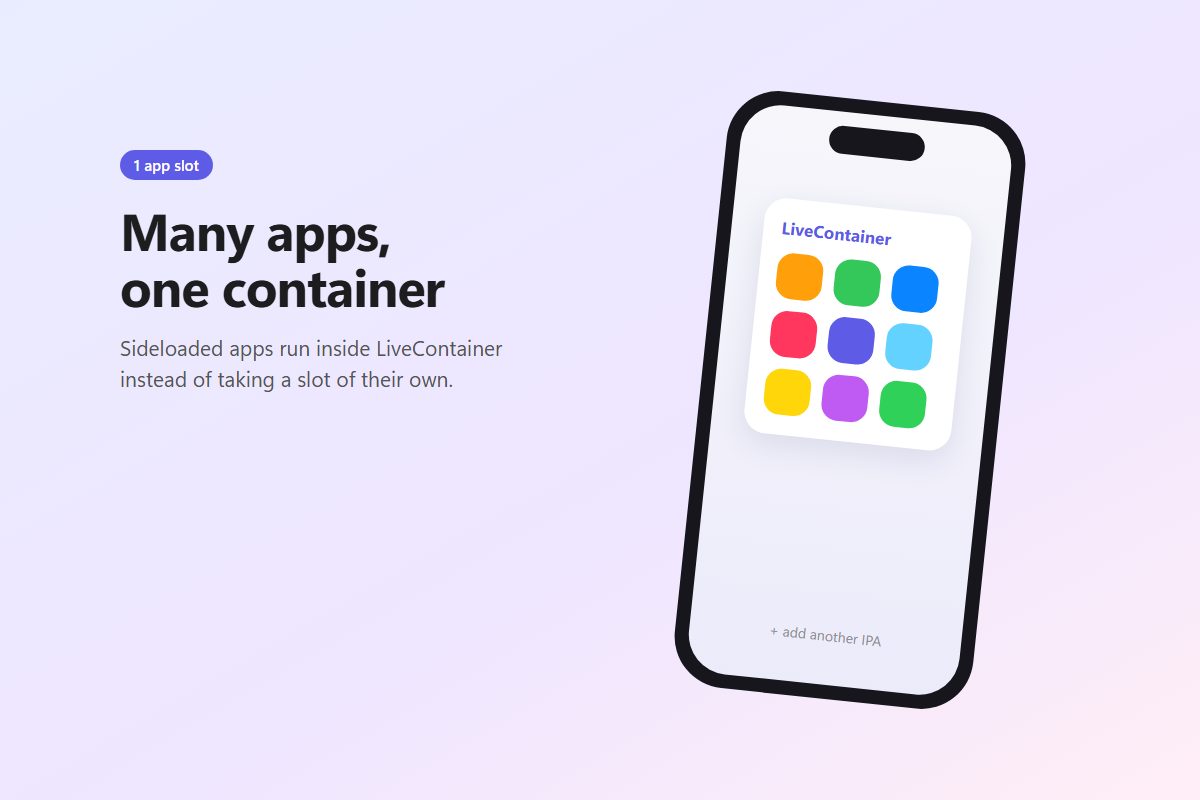
Running your apps inside LiveContainer? Set StikDebug as the JIT enabler in LiveContainer’s settings and turn on Launch with JIT for each app that needs it. It’s the only enabler LiveContainer supports on iOS 26, and you can even run StikDebug inside a second LiveContainer to save a slot.
More than a JIT button
The app quietly does a few other useful things. Its App Expiry view shows when each sideloaded app’s signature runs out and lets you install or remove profiles. The Console streams live app and system logs, which is the fastest way to see why something crashes on launch. You can list running processes and kill a stuck one, view detailed device info, and even simulate a GPS location for the whole phone.
Troubleshooting
| Symptom | Likely cause and fix |
|---|---|
| ”Connection dropped” or loopback errors | Check your iOS version against the table above, especially on a beta. |
| Heartbeat errors | LocalDevVPN is off or you’re not on Wi-Fi. If both are fine, replace the pairing file. |
| Pairing file errors | Make a new one in iloader with the phone unlocked and trusting the computer. |
| JIT turns on, but the app crashes on iOS 26 | The app doesn’t support iOS 26 JIT yet, or it’s missing a script. |
| JIT won’t turn on for one particular app | It was probably signed with a certificate-based signer and lacks get-task-allow. Reinstall it with an Apple ID tool. |
For anything else, the developers run a Discord server linked from their GitHub page, and they’ll ask for logs or screenshots, so grab those before you post.
Set StikDebug up before you install an emulator, not after. Once the pairing file is in place, everything else on the JIT side takes seconds.