Switch games on an iPhone. A few years ago that sentence belonged in an April Fools’ post. MeloNX made it real by bringing Ryujinx, one of the best-known Switch emulators on desktop, to iOS and iPadOS, and on a recent iPhone Pro or iPad Pro it runs a surprising number of games well.
It’s also one of the pickiest apps you can sideload. Before you download anything, it’s worth spending two minutes on whether your device can run it at all.
First, check your hardware
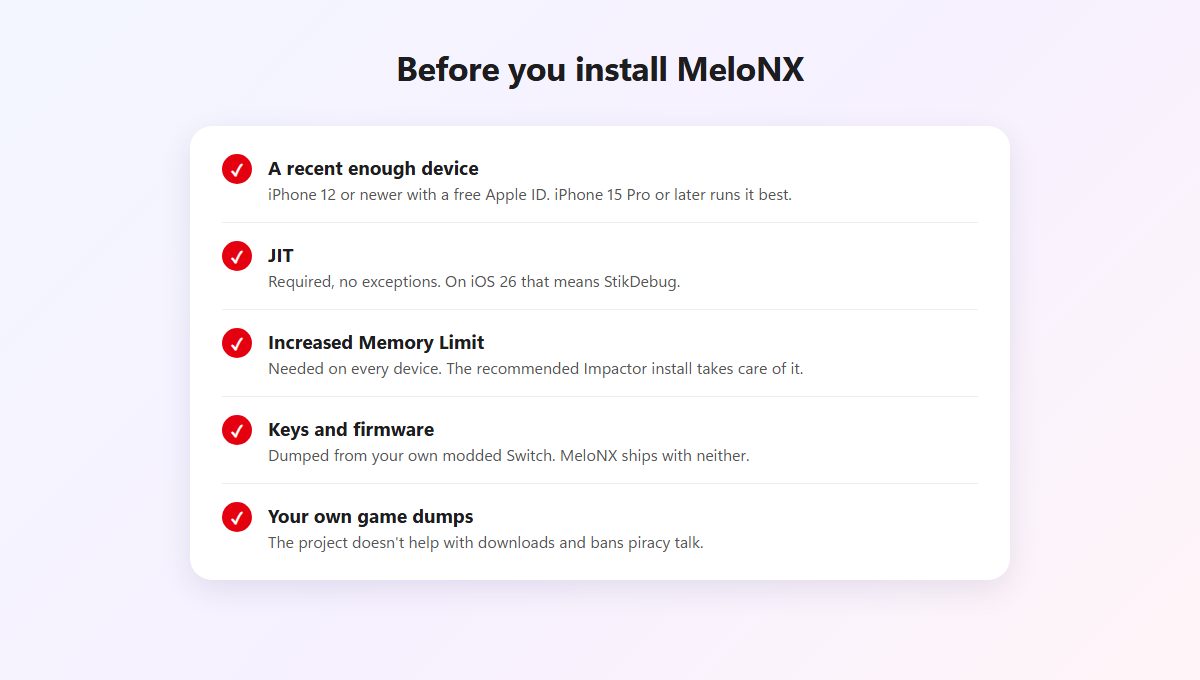
Miss any of these and you’ll get stuck halfway through setup.
With a free Apple ID, the oldest iPhone that works is the iPhone 12. A paid developer account stretches support back to the iPhone 6s on iOS 15, though “launches” and “plays games well” are very different things on hardware that old. For comfortable play, the developers point to an iPhone 15 Pro or newer, an iPad Pro (5th generation or later) or an iPad Air 5 or later.
Memory is the real constraint. Every device needs the Increased Memory Limit entitlement, which the recommended install route below handles. iPads with less than 8 GB of RAM and iPhones with less than 4 GB also need Extended Virtual Addressing, and that one only comes with a paid developer account or TrollStore.
Then there’s JIT. MeloNX can’t run without it, full stop. On iOS 26, the only way to get it is StikDebug, so set that up too.
What you have to bring yourself
MeloNX ships as an empty emulator. To play commercial games you need encryption keys, firmware and the games themselves, all dumped from a Switch that can run custom firmware. The project’s README links the Ryujinx guides for each of those steps. Homebrew apps run without any of it.
The developers are strict here, and so is this site. Asking for keys, firmware or games on the MeloNX Discord or repositories gets you removed, and the project’s notice says it’s meant for legally owned backups only.
Where the official download lives
MeloNX doesn’t publish releases on GitHub, which confuses people. Its official website links to the project’s own code host, and that’s where each IPA is posted. Use the download button above to go straight to the latest release there.
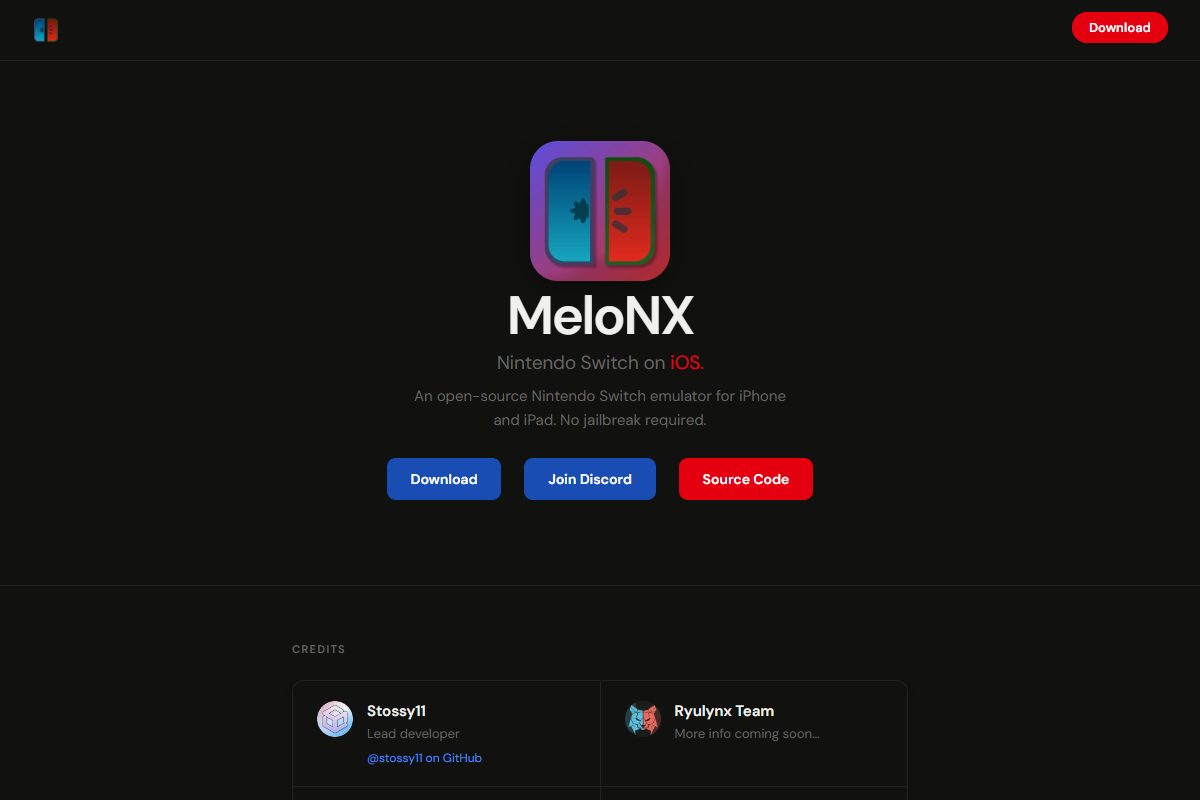
MeloNX’s official website. Both the Download and Source Code buttons lead to the project’s release page.
You’ll also run into MeloNX on IPA sites and in GitHub forks. Some are harmless. Others are outdated, and a few bundle content the project explicitly doesn’t allow. If a page offers MeloNX with games or keys included, it isn’t the real thing.
Installing it
Download MeloNX.ipa from the release page and install it with Impactor, the desktop sideloader the developers recommend. It adds the Increased Memory Limit entitlement for you, which is the main reason to prefer it here. If you plan to use SideStore later, set SideStore up first and sign in to Impactor with the same Apple ID.
Apps installed from a computer don’t appear in SideStore, so SideStore can’t refresh them. If you want MeloNX to renew itself on the phone, open SideStore, go to My Apps, tap + and add the same IPA again. The SideStore guide covers getting SideStore running.
Now open MeloNX and import your keys and firmware with its file picker. Last comes JIT: connect LocalDevVPN, open StikDebug and enable JIT for MeloNX. Running it inside LiveContainer instead? Set StikDebug as LiveContainer’s JIT enabler and turn on Launch with JIT for MeloNX there.
Getting games to run better
Your first launch of any game will be the slowest. MeloNX caches translated code as you play, and the speedup kicks in on the third launch, once you’ve reached the title screen twice. Shaders compile in the background as well, so early stutter is normal.
Beyond that, a few habits help. Close other apps before playing, since memory runs out before anything else on an iPhone. Leave the memory manager on its default setting, which is already the fastest. Try MetalFX upscaling if a game renders at a low resolution. Use per-game settings for heavy titles rather than turning everything down globally. And get a controller if you can, because on-screen buttons cover part of the picture and MeloNX lets you remap every button.
Audio output works, microphone input doesn’t. Most MFi controllers and Joy-Cons connect, and rumble works, but Joy-Con motion controls don’t because of an iOS limitation. Game updates and DLC are supported; mods and cheats aren’t officially, though some work.
Questions people ask
MeloNX opens and closes straight away. What did I miss?
Almost certainly JIT. Check that LocalDevVPN is connected, enable JIT for MeloNX in StikDebug, and launch it from there.
Can my iPhone 11 run it?
Not with a free Apple ID, since the iPhone 12 is the floor. A paid developer account technically supports older models, but expect rough performance.
A game crashes at the same spot every time. Is it broken?
Usually it’s out of memory. Update to the latest release, which moves part of a game’s memory into app extensions to get around the iOS RAM limit, then close background apps. If it still crashes, the game may need a device with more RAM.
Why did it stop opening after a week?
That’s the free Apple ID’s seven-day signature running out. Refresh MeloNX in SideStore, or reinstall it with Impactor.
Start with a lighter game, get JIT working reliably, and only then move on to the demanding stuff.