Here’s an uncomfortable truth about on-device signers. You install one from a website you found in a forum thread, give it the deepest level of trust your iPhone has, and hope. Most people never find out what’s inside the app doing the signing.
Feather is the answer for anyone who’d rather know. The code is public, there’s exactly one official place to get it, and it’s had close to thirty releases since 2024. It does the same job as Esign or GBox: you give it an IPA and a certificate, it signs the app on your phone and installs it, with no computer involved.
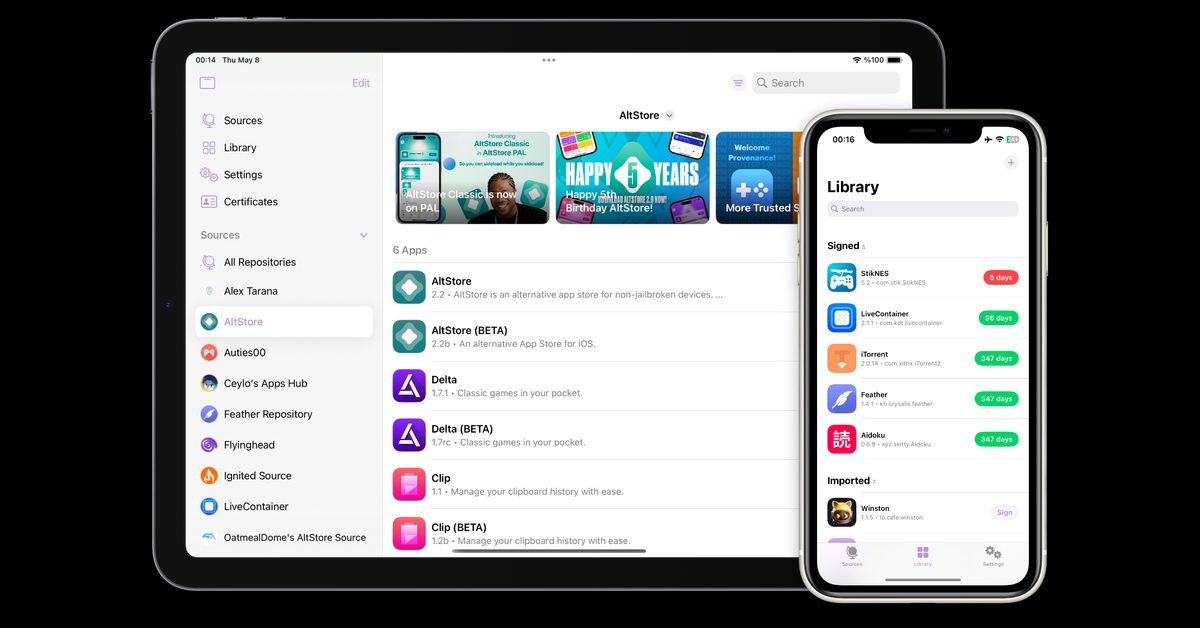
Feather on iPad and iPhone. The library on the right lists signed apps with how many days each has left. Image from Feather’s GitHub page.
Before anything else: the certificate
This is the part most guides bury, so here it is up front. Feather does not come with a certificate and never will. Its own description says it’s built for certificates from the Apple Developer Program.
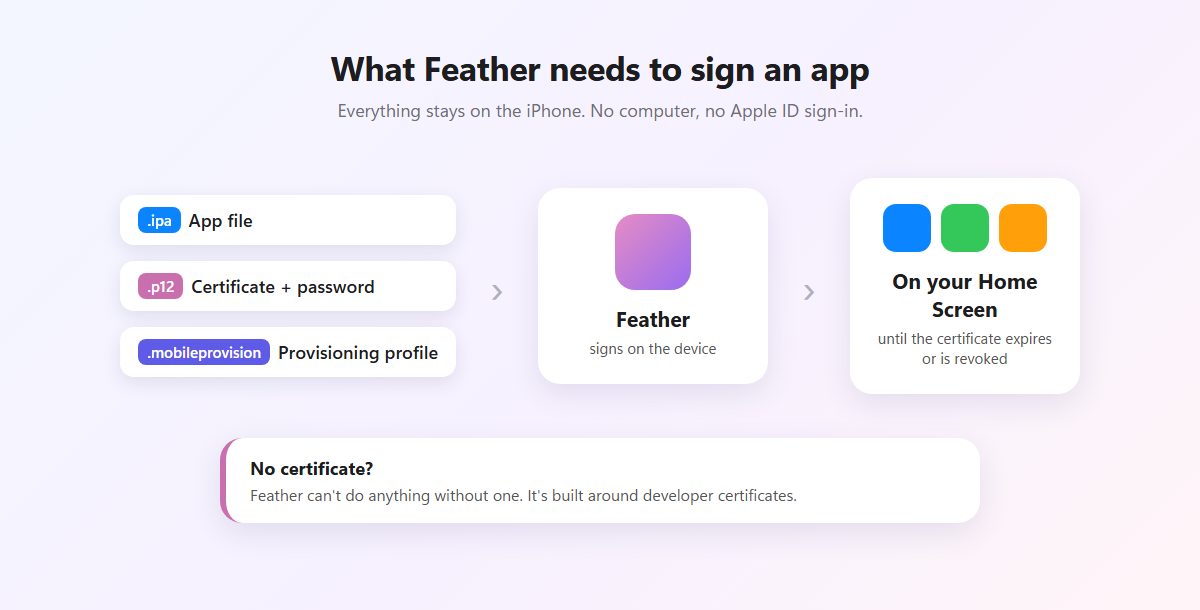
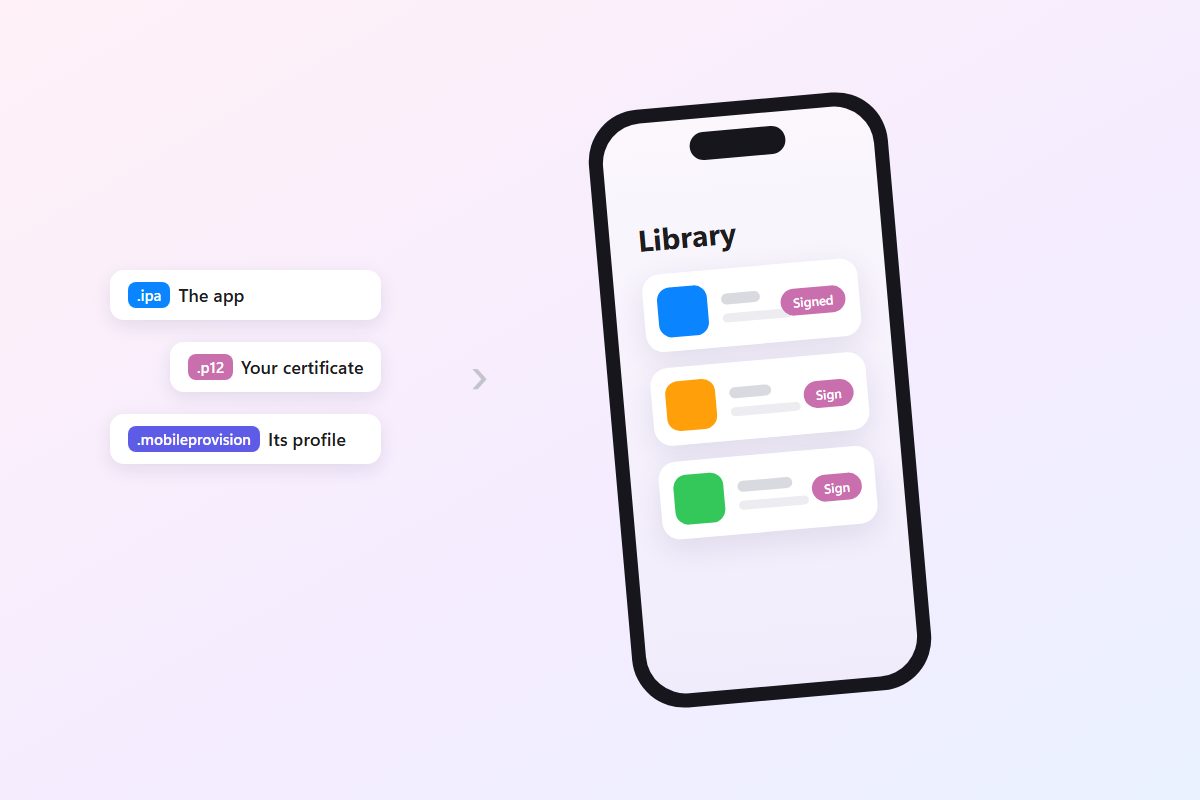
Three files in, one installed app out.
You need a .p12 certificate, its password, and a .mobileprovision profile from the same developer account. The clean way to get them is your own Apple Developer Program membership, which costs $99 a year and gives you a certificate nobody else uses. Otherwise you’re buying one from a certificate seller, with all the risks the Esign guide walks through.
No certificate and no plans to get one? Feather isn’t for you, and that’s fine. SideStore and LiveContainer sign with a free Apple ID instead.
Why people move from Esign to Feather
Both apps do roughly the same thing, so the difference comes down to trust and upkeep. The original Esign stopped development in 2025. What you’ll find under that name now is a pile of forks and rebuilds from sources you can’t easily check. Feather has public code, a readable release history and a developer who answers issues on GitHub.
Esign-style services keep one real advantage: many come bundled with a shared certificate, so you can start without paying for anything. Feather deliberately doesn’t. If your main goal is to try sideloading for free this afternoon, that matters. Planning to keep apps on your phone for months? Then the certificate you control matters more.
There’s also no tracking or analytics in Feather, according to the developer. With the source public, that’s something anyone can verify.
Getting Feather onto your phone
The download button above goes to Feather’s GitHub releases, the only official source. Older guides point to a khcrysalis account instead. That’s the same developer under a previous name, and GitHub forwards those links to the current repo. Sites that rehost Feather, especially ones with a certificate “included”, are worth skipping entirely.
Recent updates have been steady rather than dramatic. 2.7.0 added remote pairing for iOS 17.4 and later, 2.8.2 added Catalyst support and certificate renaming, and 2.9.0 added tweak options to the default signing settings plus search by bundle identifier.
Feather is an IPA itself, which creates a chicken-and-egg moment. The first install has to come from another tool: Sideloadly or Impactor on a computer, a signer you already have, or the AltSource button on the GitHub page if you run AltStore or SideStore.
Signing your first app
Open Feather’s settings and add your certificate: choose the .p12, then the .mobileprovision, and enter the password. Feather shows the certificate’s details once it’s in, and you can keep several, each with a name you pick.
Then bring in an app. Import an IPA from Files, or add an AltStore-format repository and install from its list, which beats hunting for IPAs one by one. The app sits in your library unsigned until you tap it, look over the signing options and sign.
Feather passes the signed app to iOS for installation. By default it does that through a small server running on the phone itself. Builds that include idevice can install more directly, which needs a pairing file. The release notes suggest making it with Impactor’s Utilities page.
Features you’ll actually use
- Repositories. Feather reads AltStore-format sources, so apps from developers who publish one show up with updates.
- Signing options. Adjust an app’s appearance, turn on Files app support, and apply compatibility patches, including ones for iOS 26’s Liquid Glass look.
- Tweak injection. Add
.debor.dylibtweaks using ElleKit. Tweaks are tied to app versions, so match them carefully. - A Mac build. Recent releases include a Catalyst version for macOS alongside the iPhone IPA.
When revokes hit
Feather can’t save an app from a dead certificate, and neither can any other signer. If Apple revokes a shared certificate, everything signed with it stops opening at once, and that includes Feather itself if you signed it the same way. A certificate from your own developer account is far less likely to be pulled, because nobody else is using it.
Anti-revoke DNS profiles can buy time, but they’re fragile and come with side effects. The RevokeGuard page explains how they work and where they fall short.
| What you see | What usually fixes it |
|---|---|
| ”Unable to Verify App”, or the app closes instantly | The certificate is revoked or expired. Get a working one and re-sign. |
| The install starts but never finishes | Retry on a stable connection and confirm the profile is trusted. On the idevice route, make a fresh pairing file after iOS updates. |
| The certificate imports, but signing fails | The .p12 and .mobileprovision come from different accounts, or the password is wrong. |
| A tweaked app crashes on launch | Remove the tweak and sign again. It likely doesn’t match that app version. |
Feather won’t solve the certificate question for you. Once you have a certificate, though, it’s the most transparent way to use it on the phone.